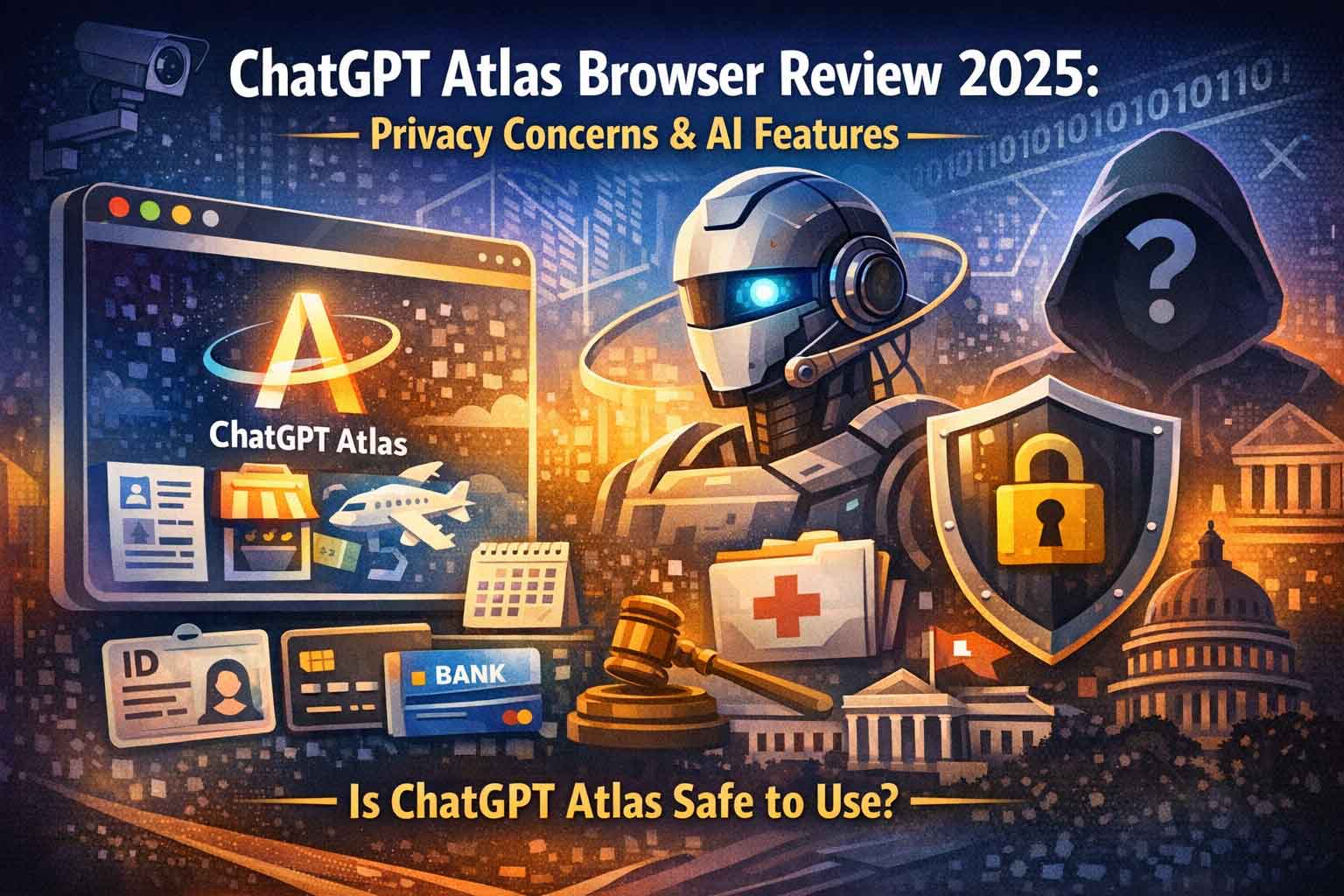
Is ChatGPT’s New Atlas Browser Safe?
Understanding the Privacy Trade-Offs of AI-Powered Web Browsing
OpenAI has launched Atlas, an AI-integrated web browser that promises to revolutionize how we interact with the internet. However, this convenience comes with significant privacy implications that every user should understand before making the switch from traditional browsers like Chrome, Firefox, or Safari.
What Is ChatGPT Atlas Browser and How Does It Work?
ChatGPT Atlas represents OpenAI’s entry into the competitive browser market, positioning itself as an AI-first alternative to established options. Unlike conventional browsers that simply display web pages, Atlas actively monitors, analyzes, and remembers your online activity to provide personalized AI assistance.
The browser integrates ChatGPT directly into your browsing experience through an “Ask ChatGPT” button that appears in the upper right corner of every page. This feature allows users to instantly summarize articles, analyze data, edit email drafts, and perform various tasks without leaving their current webpage.
ChatGPT Atlas Browser Memory Feature: How AI Tracks Your Online Activity
The most controversial aspect of Atlas is its comprehensive memory system. When enabled during initial setup, the browser doesn’t just record which websites you visit—it creates detailed memories of your online behavior, including:
| Feature | Description | User Benefit |
|---|---|---|
| Website Content Analysis | Atlas generates summaries of webpage content on OpenAI’s servers. | Quickly understand the main points of any webpage without reading everything manually. |
| Behavioral Pattern Recognition | The AI learns your preferences, habits, and recurring activities. | Provides personalized suggestions and anticipates your needs over time. |
| Contextual Information Retention | Atlas remembers facts like upcoming trips, airline preferences, and calendar usage. | Reduces repetitive tasks and delivers relevant recommendations automatically. |
| Cross-Session Continuity | The browser can recall activities from previous browsing sessions. | Maintains workflow and context across sessions, enhancing productivity. |
According to Adam Fry, head of OpenAI’s Atlas product, the browser can execute commands like “Open the Halloween decorations I was looking at last week in some tabs,” demonstrating its deep integration of memory functions.
Privacy Risks of AI-Powered Browsers: What ChatGPT Atlas Remembers About You
The extensive data collection capabilities of Atlas raise serious privacy concerns that go beyond traditional browser tracking. Here’s what users should know about Atlas’s memory capabilities:
| Category | Atlas Claims It Won’t Remember | Privacy Concerns Found |
|---|---|---|
| Government & Financial Data | Government-issued IDs, bank account numbers, financial credentials | No discrepancies reported |
| Personal Contact Info | Home addresses, personal phone/email contacts | No discrepancies reported |
| Credentials & Medical Data | Passwords, login credentials, medical records, health info | Stored sensitive health info, doctor names, and sexual/reproductive health service signups (Planned Parenthood Direct) |
| Adult Content | Adult website content | Discrepancies not specified; overall concerns about extensive data collection |
How to Control ChatGPT Atlas Browser Privacy Settings and Delete Browsing Memories
Managing your privacy in Atlas requires understanding multiple layers of controls:
| Memory Management Feature | Description | Limitations / Notes |
|---|---|---|
| URL-Specific Blocking | Users can manually instruct Atlas not to remember specific websites by entering URLs with exclusion commands. | Requires user action for each site; does not apply retroactively. |
| Browsing History Deletion | Clearing browsing history supposedly removes associated memories from that time period. | Effectiveness is questionable; some memories may persist separately. |
| Individual Memory Review | Atlas provides a settings menu where users can view and delete stored memories individually or in bulk. | Management required across multiple systems; separate from main ChatGPT account. |
| Incognito Mode | Claims not to save browsing history or memories, similar to standard browser incognito modes. | Does not provide complete anonymity; websites and third-party trackers can still track activity; ChatGPT may still process data. |
ChatGPT Atlas vs Google Chrome vs Perplexity Comet: AI Browser Comparison 2025
The browser landscape is rapidly evolving with AI integration becoming standard. Here’s how Atlas compares to competitors:
Google Chrome with Gemini AI Integration
Google has introduced its Gemini AI assistant to Chrome with more limited memory capabilities:
| Feature | Description | Notes / Privacy Implications |
|---|---|---|
| Memory of Webpages | Gemini cannot remember webpage content by default. | Enhances privacy by not storing data unless explicitly requested by the user. |
| User-Initiated Browsing Analysis | Users must explicitly request browsing history analysis for insights. | Gives control to the user; avoids automatic data collection. |
| Planned Agent Features | Future updates aim to enable automated tasks based on browsing activity. | Automation will likely remain user-controlled, balancing convenience with privacy. |
| Privacy Approach | More conservative approach compared to Atlas. | Reduced risk of sensitive data retention; user data not processed automatically. |
Perplexity Comet Browser Features
Perplexity, known for its AI search engine, has launched Comet as a direct competitor to Atlas, though specific privacy policies are still emerging.
AI Browser Agents: The New Frontier of Automated Web Browsing
| Feature / Action | Description | Risks / Notes |
|---|---|---|
| Subscription Management | AI agents can cancel subscriptions on behalf of users. | Requires user supervision; errors may result in unintended cancellations. |
| Online Shopping Transactions | Agents can complete purchases automatically using stored payment info. | High risk: AI mistakes could lead to incorrect or unauthorized transactions. |
| Multi-Step Processes | Navigate complex workflows on websites automatically. | Errors could result in incomplete actions or security issues. |
| Logged-In Account Interaction | AI agents can operate on websites using your existing accounts. | Significant security risk if AI mishandles sensitive data, credentials, or personal communications. |
| User Supervision Requirement | Agent mode runs in a “wiped out” version of the browser to reduce risk. | Critical for high-risk actions; AI still requires monitoring to prevent errors with sensitive data. |
Does ChatGPT Atlas Browser Use Your Data for AI Training?
One area where Atlas demonstrates more restraint concerns AI training:
- Default Setting: Atlas does not use browser content to train its AI models by default
- Opt-In Option: Users can voluntarily enable data usage for training purposes
- Important Distinction: This setting is separate from ChatGPT conversation training, which remains enabled by default in the main ChatGPT platform
Legal and Government Access Concerns: Can Authorities Request Your Atlas Browsing History?
Critical questions remain unanswered about government access and legal compliance:
- Law enforcement requests: Can governments subpoena browsing history and memories from OpenAI?
- Jurisdictional issues: What happens when users search for information that’s legal in some states but not others, such as abortion resources?
- Data retention policies: How long does OpenAI store browsing memories and history?
- International data transfers: Where is Atlas data stored and processed globally?
OpenAI has not provided clear responses to these crucial privacy questions, leaving users uncertain about potential legal exposure.
ChatGPT Atlas Browser vs Traditional Browsers: Is the AI Integration Worth the Privacy Trade-Off?
The fundamental question facing potential Atlas users is whether AI-powered convenience justifies extensive data collection.
Benefits of ChatGPT Atlas Browser
- Seamless AI integration for content summarization
- Contextual assistance based on browsing history
- Potential productivity improvements through agent automation
- Unified experience across ChatGPT and web browsing
Drawbacks and Privacy Concerns
- Unprecedented level of browsing activity monitoring
- Unclear boundaries on memory creation and storage
- Complex privacy controls that average users struggle to manage
- Potential for sensitive information exposure
- Unknown government access and legal implications
Expert Privacy Recommendations for ChatGPT Atlas Browser Users
Technology privacy experts suggest the following precautions for anyone considering Atlas:
| Best Practice | Description / Recommendation |
|---|---|
| Review Privacy Settings | Thoroughly check all privacy and memory settings before using Atlas for the first time. |
| Audit Stored Memories | Regularly review and delete stored memories through the settings menu to maintain control over personal data. |
| Use Incognito Mode | Activate incognito mode for sensitive browsing activities to reduce the risk of storing private information. |
| Avoid Sensitive Searches | Do not use Atlas for healthcare, financial, or legal searches to prevent accidental data retention. |
| Understand Deletion Limits | Recognize that “delete” may not guarantee permanent removal of memories from the system. |
| Keep Traditional Browsers | Maintain standard browsers for privacy-sensitive activities as a precaution. |
| Monitor Policy Updates | Stay informed about OpenAI’s evolving policies and changes to Atlas privacy features. |
The Future of AI-Powered Browsing: Privacy vs. Convenience in 2025 and Beyond
Atlas represents a significant shift in how browsers function, moving from passive tools to active participants in our online lives. As Lena Cohen of the Electronic Frontier Foundation notes, this evolution demands new frameworks for understanding digital privacy.
The complexity of Atlas’s privacy controls reflects a broader industry problem: giving users numerous settings doesn’t equal meaningful control. As one analysis puts it, “A 747 has a lot of controls, but it doesn’t mean everyone can fly it.”
Should You Switch to ChatGPT Atlas Browser? Final Verdict and Alternatives
- For Most Users: The privacy risks currently outweigh the convenience benefits. Traditional browsers with optional AI assistants provide better control over personal data.
- For Tech-Savvy Early Adopters: If you’re willing to actively manage privacy settings and understand the risks, Atlas offers unique AI integration worth exploring.
Best Alternatives in 2025:
- Google Chrome with Gemini: More limited AI integration but stronger privacy protections
- Firefox with AI extensions: Maximum privacy control with optional AI features
- Brave Browser: Privacy-focused with optional AI assistant
- Microsoft Edge with Copilot: Balanced approach to AI integration and privacy
Key Takeaways: ChatGPT Atlas Browser Privacy and Features
| Key Takeaway | Explanation |
|---|---|
| AI Integration vs Data Collection | Atlas provides advanced AI features but collects extensive browsing data, including webpage content and behavior. |
| Memory Tracking | Memory features track more than just URLs, retaining user interactions, preferences, and contextual information. |
| Privacy Controls | Controls exist but require active management, technical understanding, and regular audits to ensure safety. |
| Independent Testing Concerns | Testing revealed gaps between stated protections and actual data retention, including sensitive health information. |
| Legal Uncertainties | Questions about government access to Atlas data remain unresolved, raising potential privacy implications. |
| AI Agent Risks | Agent mode offers convenience for automated tasks but introduces security risks when handling sensitive data. |
| Traditional Browser Recommendation | For privacy-sensitive browsing, standard privacy-focused browsers remain safer than Atlas. |
The launch of ChatGPT Atlas marks a pivotal moment in browser evolution, but users must carefully weigh the innovation against very real privacy implications. As AI becomes more integrated into our daily digital tools, maintaining control over personal data becomes increasingly challenging—and increasingly important.
FAQs for ChatGPT Atlas Browser
Is ChatGPT Atlas Browser safe to use?
Answer: No, ChatGPT Atlas Browser has serious privacy concerns. It tracks and remembers everything you browse, including webpage content and personal behavior. Independent testing found it saved sensitive healthcare information despite privacy claims. For sensitive browsing, use privacy-focused browsers like Firefox or Brave instead.
What does ChatGPT Atlas Browser track?
Answer: Atlas tracks your visited websites, creates content summaries, and remembers your preferences, trips, airline choices, and calendar usage. It builds AI “memories” that influence future responses. Testing revealed it even saves sensitive healthcare searches and doctor names, despite claiming not to.
How do I delete ChatGPT Atlas Browser history?
Answer: Go to Settings > Memory Management to delete memories individually or all at once. Clear browsing history to remove associated memories. Block specific URLs in the address bar. Use incognito mode for no-memory browsing. Note: Atlas memories are separate from your ChatGPT account.
Does ChatGPT Atlas Browser sell my data?
Answer: OpenAI claims Atlas doesn’t sell data or run advertising. They say memory is only used to improve browser features. However, your data is stored on OpenAI’s servers, and it’s unclear if governments can access it through legal requests or how long data is retained.
ChatGPT Atlas vs Chrome: What’s the difference?
Answer: Atlas has ChatGPT built into every page and creates detailed AI memories of your browsing. Chrome’s Gemini AI doesn’t remember webpage content by default. Atlas offers deeper AI integration but collects significantly more personal data. Chrome has ads; OpenAI claims Atlas doesn’t.
Can the government access my Atlas Browser history?
Answer: OpenAI hasn’t disclosed whether governments can subpoena Atlas browsing history and memories. There’s no clarity on law enforcement requests, data retention policies, or international storage locations. Users searching sensitive or legally ambiguous topics face potential legal exposure without transparency.
Should I switch to ChatGPT Atlas Browser?
Answer: Not recommended for most users. Switch only if you’re tech-savvy, prioritize AI features over privacy, and understand the risks. Keep traditional browsers for sensitive activities. Best for early adopters comfortable with extensive data collection. Privacy-conscious users should avoid Atlas.
What is ChatGPT Atlas Browser AI agent mode?
Answer: AI agent mode lets ChatGPT control your browser automatically to cancel subscriptions, shop online, and complete tasks. It accesses your logged-in accounts and payment info, creating security risks. Use only for low-stakes tasks and always monitor AI actions carefully.
Does Atlas Browser have private/incognito mode?
Answer: Yes, but it’s limited. Incognito mode prevents local history storage but doesn’t hide you from websites, ChatGPT, your ISP, or third-party trackers. For true privacy, use Tor Browser, Brave with strict settings, or a VPN with incognito mode.
What are the best Atlas Browser alternatives?
Answer: Brave Browser: Best privacy with built-in tracker blocking. Firefox: Open-source with strong privacy defaults. DuckDuckGo Browser: Simple, privacy-first mobile browsing. Microsoft Edge: Balanced AI features with better privacy. Safari: Excellent for Apple users with tracking prevention.