Why iOS 27 drains your iPhone battery
There are four main causes. Knowing which one you have saves you from trying every fix.
- Background indexing after the update (normal). After any major iOS release, your iPhone rebuilds its Spotlight, Photos and Mail indexes. This is the biggest source of drain in the first few days and usually settles within 3 to 5 days.
- Apple Intelligence downloads. On iPhone 15 Pro and newer, iOS 27 downloads on-device AI models in the background after you turn Apple Intelligence on. That extra work uses power and heat until it finishes.
- Connectivity Assist. This new iOS 27 feature is designed to make switching between Wi-Fi and cellular smoother. TechRepublic reported on October 29 that it may be adding to battery drain for some users, especially if you move between Wi-Fi and 5G a lot during the day.
- Apps not yet updated for iOS 27. An outdated app can get stuck running in the background. One bad app can cost you 20% or more a day.
What about iOS 27.2? Apple released iOS 27.2 on October 26, 2026. Its release notes don’t list a specific battery fix, and some users report temporary drain right after installing it too. Still, staying on the latest version is the best long-term bet, because Apple usually fixes battery bugs in point updates.
How to tell normal from a real problem:
| Sign | Likely normal | Probably a problem |
| Timing | First 2 to 5 days after updating | Still bad after 7+ days |
| Heat | Warm while charging overnight | Hot while sitting idle on a table |
| Standby | Loses 2 to 5% overnight | Loses 15%+ overnight |
| Settings > Battery | Shows “iOS Update” or indexing activity | One app at the top using 20%+ |
12 fixes for iOS 27 battery drain
Try these in order. Fixes 1 to 6 take under five minutes combined and solve most cases.
1. Give it 3 to 5 days, and charge overnight
If you just updated, plug your iPhone in overnight on Wi-Fi for a couple of nights. Indexing and Apple Intelligence downloads run fastest while the phone is charging and idle. Judge your battery life only after day five.
2. Find the app that’s draining your battery
Go to Settings > Battery and scroll to the usage chart. Tap Show Activity to see screen time versus background time for each app.
- An app with lots of background activity you didn’t expect is your main suspect.
- Update it from the App Store, or delete and reinstall it.
- Social media, Google Maps, Facebook and streaming apps are common offenders.
3. Update to the latest iOS 27 version
Go to Settings > General > Software Update and install iOS 27.2 or anything newer. Then open the App Store, tap your profile picture and tap Update All.
4. Turn off Connectivity Assist
Open Settings, swipe down to show the search bar, type Connectivity Assist and turn it off. Use your phone normally for 2 to 3 days and compare. If battery life doesn’t improve, turn it back on, since it helps keep calls and video from dropping when you leave Wi-Fi.
5. Set 5G to Auto (big one for Verizon, AT&T and T-Mobile users)
5G uses more power than LTE, especially in areas where the signal is weak and your phone keeps searching. Go to Settings > Cellular > Cellular Data Options > Voice & Data and choose 5G Auto. Your iPhone will then use 5G only when it makes a real difference. In rural areas with spotty coverage, choosing LTE can save even more.
6. Restart your iPhone
A simple restart clears stuck background processes. Press and hold the side button and either volume button, then slide to power off. Wait 30 seconds and turn it back on.
7. Limit Background App Refresh
Go to Settings > General > Background App Refresh. Turn it off for apps that don’t need fresh content when you open them (games, shopping and food delivery apps). Keep it on for messaging and email.
8. Change Location Services to “While Using”
Go to Settings > Privacy & Security > Location Services. Set any app showing Always to While Using the App unless it genuinely needs it, like Find My or a family-safety app.
9. Turn off Always On Display (iPhone 14 Pro and later)
Go to Settings > Display & Brightness > Always On Display and turn it off. On Pro models this alone can noticeably improve standby time overnight.
10. Lower screen brightness and use Dark Mode
The display is the biggest battery user on any iPhone. Turn on Auto-Brightness (Settings > Accessibility > Display & Text Size) and switch to Dark Mode (Settings > Display & Brightness). Dark Mode saves the most on OLED models, which is every iPhone from the iPhone 12 onward.
11. Use Low Power Mode when you need it
Go to Settings > Battery > Low Power Mode, or add it to Control Center for one-tap access. It pauses background downloads and mail fetch and reduces visual effects. One catch: Low Power Mode can also pause Apple Intelligence model downloads, so turn it off overnight while charging until those finish.
12. Reset All Settings (last resort before a full restore)
If nothing else works, go to Settings > General > Transfer or Reset iPhone > Reset > Reset All Settings. This keeps your photos, apps and data but resets Wi-Fi passwords, wallpaper and settings to default. Back up to iCloud first. A full “Erase All Content and Settings” restore is the final step, and rarely needed.
Cold weather tip: If you live somewhere with real winters, like Chicago, Minneapolis or Boston, know that lithium-ion batteries lose charge faster below freezing. Keep your iPhone in an inside pocket instead of a jacket pocket or car cup holder, and don’t leave it in the car overnight.
When it’s your battery, not iOS 27
If you’ve tried every fix and your iPhone still dies by mid-afternoon, the update may just be exposing an old battery. Go to Settings > Battery > Battery Health and check Maximum Capacity.
- 80% or higher: Your battery is healthy. The drain is almost certainly software or settings, so go back over fixes 2, 4 and 5.
- Below 80%: Apple considers the battery worn. A replacement will make a much bigger difference than any setting.
What a battery replacement costs in the US (late 2026):
| Your situation | Cost at Apple |
| AppleCare+ and battery health below 80% | Free |
| Out of warranty, most models | $69 to $119, depending on model |
| Out of warranty, iPhone 18 Pro / Pro Max | $129 |
Prices are before sales tax. Get an exact quote for your model at Apple’s repair page, then book a Genius Bar appointment or use mail-in service. Best Buy and other Apple Authorized Service Providers can also do it with genuine parts. Cheap third-party batteries can trigger an “Unknown Part” message and may void your water resistance.
Why is my iPhone battery draining so fast after iOS 27?
For the first 2 to 5 days, it’s usually normal: your iPhone is reindexing photos, Spotlight and Mail in the background. If the drain lasts more than a week, check Settings > Battery for a power-hungry app, turn off Connectivity Assist, switch 5G to Auto, and update to iOS 27.2 or later. If Battery Health is under 80%, the battery itself needs replacing.
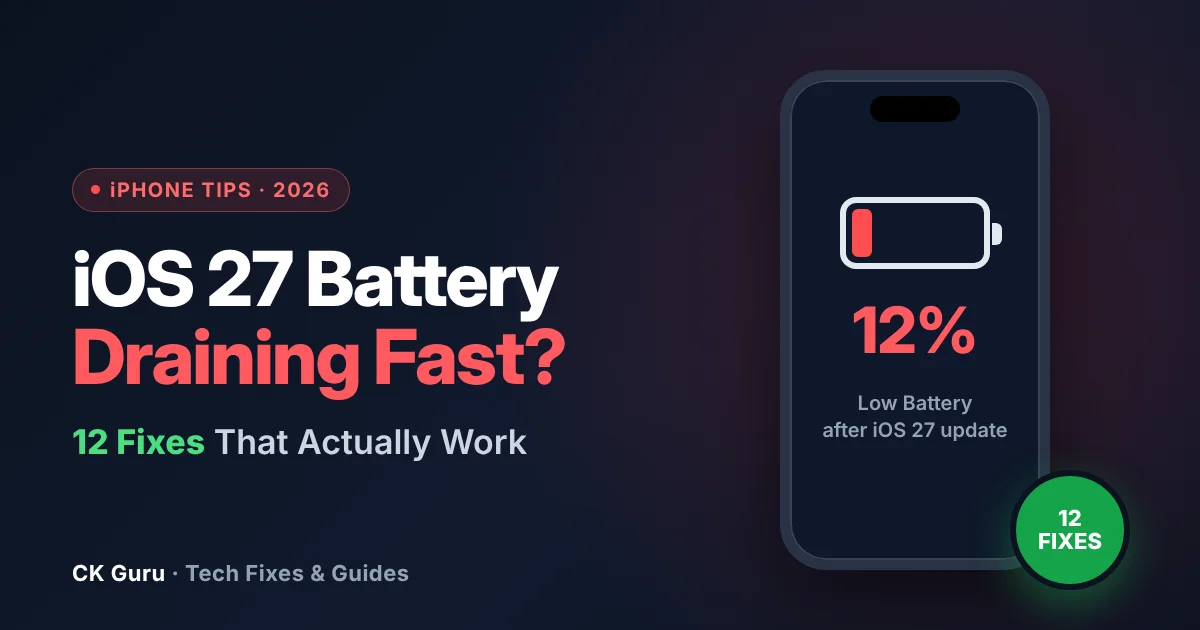
Your iPhone was fine yesterday. Then you installed iOS 27, or the iOS 27.2 update Apple released on October 26, and now it’s at 40% by lunchtime. You’re not alone: iPhone owners across the US have been reporting faster drain, extra heat and poor standby time since the update.
The good news is that most iOS 27 battery problems are fixable in a few minutes, and you don’t need to pay for a “battery cleaner” app (they don’t work). Below are 12 fixes in the order we recommend trying them, starting with the free, no-risk ones.
Frequently asked questions
Is it normal for my iPhone battery to drain after the iOS 27 update?
Yes, for the first few days. Your iPhone reindexes photos, Spotlight and Mail and may download Apple Intelligence models in the background. Drain usually returns to normal within 3 to 5 days. If it’s still bad after a week, follow the fixes above.
Does iOS 27.2 fix battery drain?
Apple’s iOS 27.2 release notes don’t mention a specific battery fix. Some people see temporary drain right after installing it. It’s still worth updating, because Apple often fixes battery bugs in later point releases.
What is Connectivity Assist, and should I turn it off?
Connectivity Assist is a new iOS 27 feature that smooths the handoff between Wi-Fi and cellular. Turning it off may help if you switch networks often during the day. Test it for 2 to 3 days; if nothing changes, turn it back on.
Why does my iPhone battery drain overnight on standby?
The usual causes are Always On Display, apps refreshing in the background, and weak cellular signal. Turn off Always On Display, limit Background App Refresh, and check Settings > Battery for apps with high background activity.
Why is my iPhone getting hot after the update?
Heat in the first day or two comes from background indexing and is normal. Take the case off while charging and keep the phone out of direct sun. If it’s hot while sitting idle days later, an app or process is stuck: restart the phone and check Settings > Battery.
Does 5G drain my iPhone battery faster?
Yes, especially where 5G signal is weak. Setting Voice & Data to 5G Auto lets your iPhone use 5G only when it helps. This works the same on Verizon, AT&T and T-Mobile.
Can I downgrade from iOS 27 to iOS 26?
Only while Apple is still “signing” iOS 26, which usually ends a few weeks after a new release. Downgrading also needs a computer and erases your iPhone. For most people, the fixes above are faster and safer.
When should I replace my iPhone battery?
When Maximum Capacity in Settings > Battery > Battery Health drops below 80%, or your iPhone shuts down unexpectedly. With AppleCare+, the replacement is free below 80%. Without it, Apple charges $69 to $129 in the US depending on the model.
Sources checked (Nov 16, 2026):