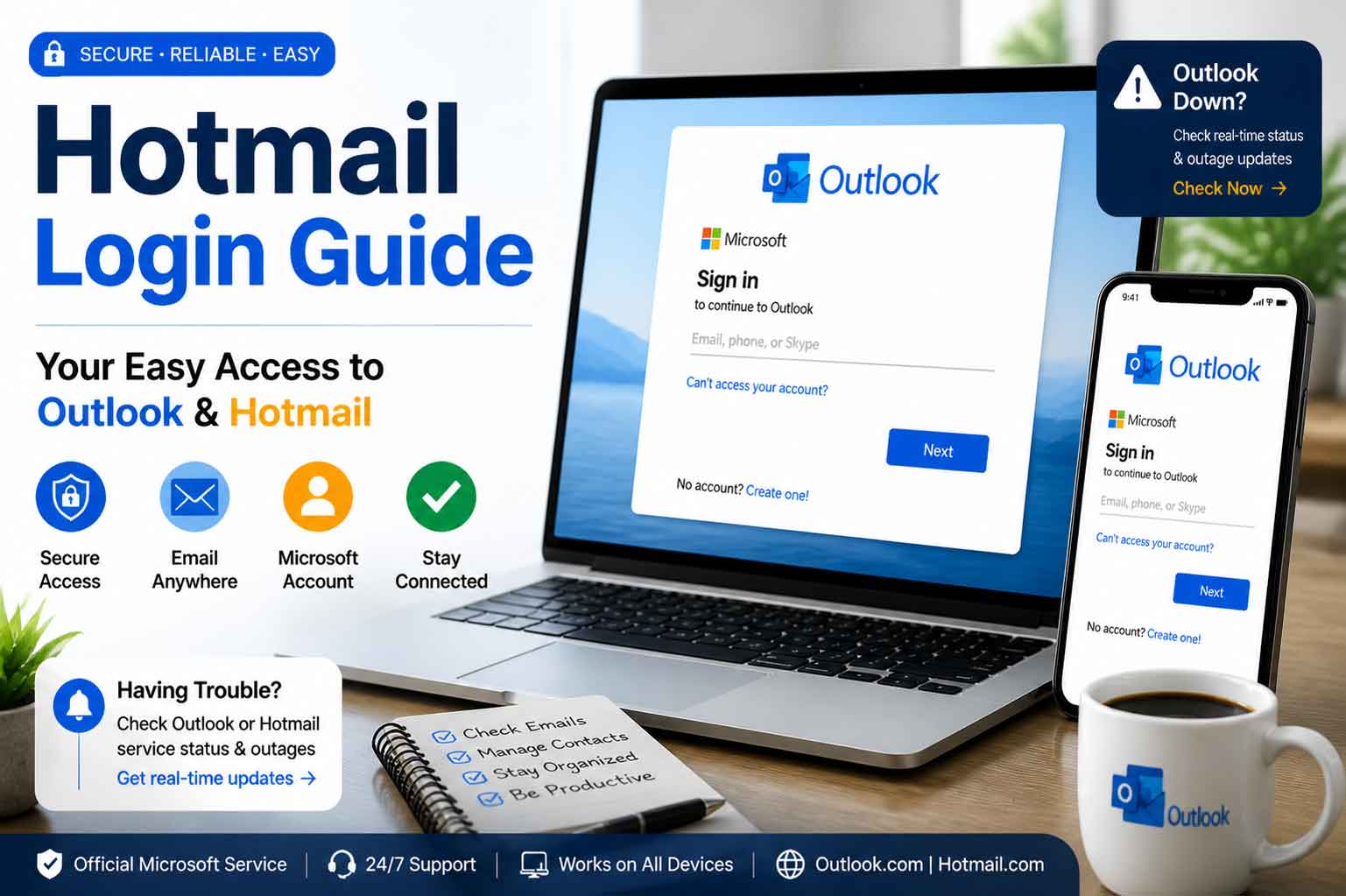
Why Hotmail Login Problems Aren’t Just a Nuisance
Imagine this: You’re logging into your Hotmail account to check an important email or to send a quick reply, but instead, you’re met with a blank screen, or worse, an error message. Whether you’re working from home in Canada or checking your emails in the United States, nothing is more frustrating than not being able to access your email when you need it the most.
If you’ve ever experienced Hotmail login issues, you’re not alone. From sudden Outlook sign-ins to Microsoft Outlook outages, it seems that a working email account is never guaranteed, despite the advances in technology. But what causes these problems, and how can you resolve them? In this article, we will explore common Hotmail sign-in issues, the most frequent causes behind Outlook login problems, and share solutions that can help you get back to business fast.
What is Hotmail?
Hotmail, now part of Microsoft Outlook, has been a staple in the world of email communication since 1996. Originally launched as one of the first free web-based email services, Hotmail quickly gained millions of users. Today, it serves as a component of Outlook.com, offering a wide range of features, including email, calendar, and contacts management, all under the Microsoft Outlook umbrella.
Despite the rebranding, millions of people still refer to their accounts as Hotmail. If you encounter issues logging in, understanding the root cause of the Hotmail sign-in error can help you solve the problem faster.
Common Causes of Hotmail Login Issues
Login issues are frustrating, but understanding what could be causing these problems can help resolve them quickly. Here are the top reasons users face login difficulties with Hotmail and Outlook sign-in.
1. Password Mistakes or Forgotten Credentials
The most common cause of Hotmail login issues is simply entering the wrong password. Many users forget their Hotmail.com login credentials, especially if they haven’t logged in for a while. This can result in being locked out of your account. However, Microsoft Outlook has a simple password recovery option, which can help you reset your password quickly.
2. Server or Microsoft Outlook Outages
Another common problem could be an Outlook email outage. Microsoft Outlook servers are sometimes temporarily down due to maintenance or technical issues, leaving users unable to log in. Checking websites like DownDetector or the Microsoft support page can help determine if the issue is on Microsoft‘s end.
3. Security Issues or Suspicious Activity
If Microsoft Outlook detects unusual or suspicious activity on your Hotmail account, it may lock you out for your protection. For instance, if someone tries to access your account from an unfamiliar location or device, Microsoft Outlook will flag the activity as a potential threat and temporarily prevent you from logging in.
4. Network or Connectivity Problems
A slow internet connection or network outage could also be the culprit behind your Outlook login issues. In some cases, the browser may not be able to reach the server, which may seem like a Hotmail sign-in error. Ensure your internet connection is stable and reliable before troubleshooting further.
5. Outdated Browser or App Version
Accessing Hotmail.com or Outlook.com on an outdated browser or app can lead to Outlook down errors. Microsoft regularly updates their platforms to improve security and functionality, so using the latest version of your browser or email app is essential for smooth login and security.
How to Fix Hotmail Login Problems
If you’re unable to log into your Hotmail account, don’t worry—there are several ways to troubleshoot and fix the problem. Let’s explore some effective solutions that can help you regain access quickly.
1. Reset Your Password
If you forgot your password, the first step is to reset it. Follow these steps:
- Go to the Hotmail login page (Outlook.com).
- Click Forgot password?
- Enter your email address and follow the prompts to reset your password.
By completing this process, you should regain access to your Hotmail.com account in minutes.
2. Check for Microsoft Outlook Outages
If you suspect an issue with Microsoft Outlook servers, visit Microsoft‘s support page or check websites like DownDetector for Outlook email outage reports. If there’s a widespread issue, you’ll have to wait until Microsoft resolves the outage.
3. Verify Your Internet Connection
Before jumping to conclusions, check your internet connection. Ensure your Wi-Fi is connected and try accessing other websites. If other websites are also not working, there might be an issue with your network, not Hotmail or Outlook.com.
4. Clear Cache and Cookies
A corrupted browser cache or cookies might interfere with Outlook login. Here’s how to clear them:
- Open your browser settings.
- Find the section for Clear browsing data.
- Select Cookies and other site data and Cached images and files.
- Click Clear Data.
This will remove any old data that could be causing issues with your login.
5. Update Your Browser or App
If you’re using an outdated browser or Outlook app, update it to the latest version. Microsoft Outlook is optimized to work with modern versions of Chrome, Firefox, Edge, and other browsers, so staying updated is crucial.
6. Check for Suspicious Activity
If your account was flagged due to suspicious activity, Hotmail sign-in issues might occur. In this case, you’ll need to follow Microsoft’s recovery steps to regain access. This may involve verifying your identity using alternative contact information.
When is Outlook Down? How to Tell if It’s Just You
Sometimes, login issues with Hotmail.com or Outlook.com may seem personal, but they’re actually a result of Outlook down issues. Here’s how to tell:
- Check for Microsoft Outlook outages: Use a website like DownDetector to check if others are experiencing the same issues.
- Visit the Microsoft status page: Microsoft provides real-time status updates about Outlook and Hotmail outages on their support page.
If the problem isn’t related to an Outlook login issue on Microsoft’s end, you can proceed with troubleshooting steps like clearing your cache or resetting your password.
Takeaways
- Hotmail login problems are often caused by password mistakes, server issues, security measures, or network problems.
- Microsoft Outlook outages may prevent access to Hotmail and Outlook.com. Always check the Microsoft support page or DownDetector to confirm.
- If you forget your password, use the Outlook password recovery process to regain access.
- Make sure your browser or app is up-to-date to avoid Outlook down issues.
- If you’re facing Outlook login problems due to suspicious activity, follow Microsoft’s recovery process to restore your account.
Conclusion
While Hotmail login issues can be frustrating, they’re usually fixable with a few simple troubleshooting steps. Whether it’s an issue with your password, a temporary outage, or security concerns, there’s always a solution. By following the tips provided in this guide, you can resolve any Outlook login issues and get back to enjoying a seamless email experience. Don’t forget to stay updated on potential Microsoft Outlook outages that might affect your access, and always ensure your account is protected with a strong password and security features.
FAQs
- Why can’t I log into my Hotmail account?
- Common reasons include incorrect passwords, server outages, or security issues. Try resetting your password or check the Microsoft support page for updates on outages.
- How do I reset my Hotmail password?
- Go to the Hotmail login page, click Forgot password, and follow the steps to reset your password.
- Is Outlook down today?
- Visit DownDetector or the Microsoft status page to check if there are any widespread Outlook email outages.
- How can I tell if it’s a server issue or a problem with my account?
- Check websites like DownDetector for reports of Outlook down issues or visit the Microsoft support page for real-time updates.
- How do I fix an Outlook sign-in error?
- Try resetting your password, checking for outages, or clearing your browser’s cache.
- What should I do if Microsoft Outlook is down?
- Wait for the outage to be resolved. You can monitor the status on Microsoft’s support page or DownDetector.
- Can I recover my Hotmail account if it’s been locked?
- Yes, follow Microsoft’s recovery steps for account restoration if your account was locked due to suspicious activity.
- Why does Outlook keep signing me out?
- This could be due to security settings or issues with your internet connection. Try reconnecting or checking for updates.
- How do I know if my Hotmail account was hacked?
- Look for suspicious activity such as unfamiliar login locations or messages you didn’t send. Microsoft can help you recover your account if it was compromised.
- How do I keep my Hotmail account secure?
- Use two-factor authentication, a strong password, and monitor your account for suspicious activity.