Apple Technology vs Windows Technology: Which Platform Is Better in 2026?
For two decades, “Mac or PC?” was one of tech’s most predictable arguments. Mac people talked about design and simplicity. Windows people talked about power and choice. Both sides had a point, and both sides mostly talked past each other.
2026 is a strange year for this debate, because the easy answers don’t hold up anymore. Windows 10 reached end of support in October 2025, pushing a wave of upgrades. Apple shipped its first year-numbered release, macOS Tahoe 26. Both ecosystems now build AI processing directly into their chips. And the old battle lines — Apple is smooth but limited, Windows is powerful but clunky — have blurred enough that picking a side on reputation alone will probably steer you wrong.
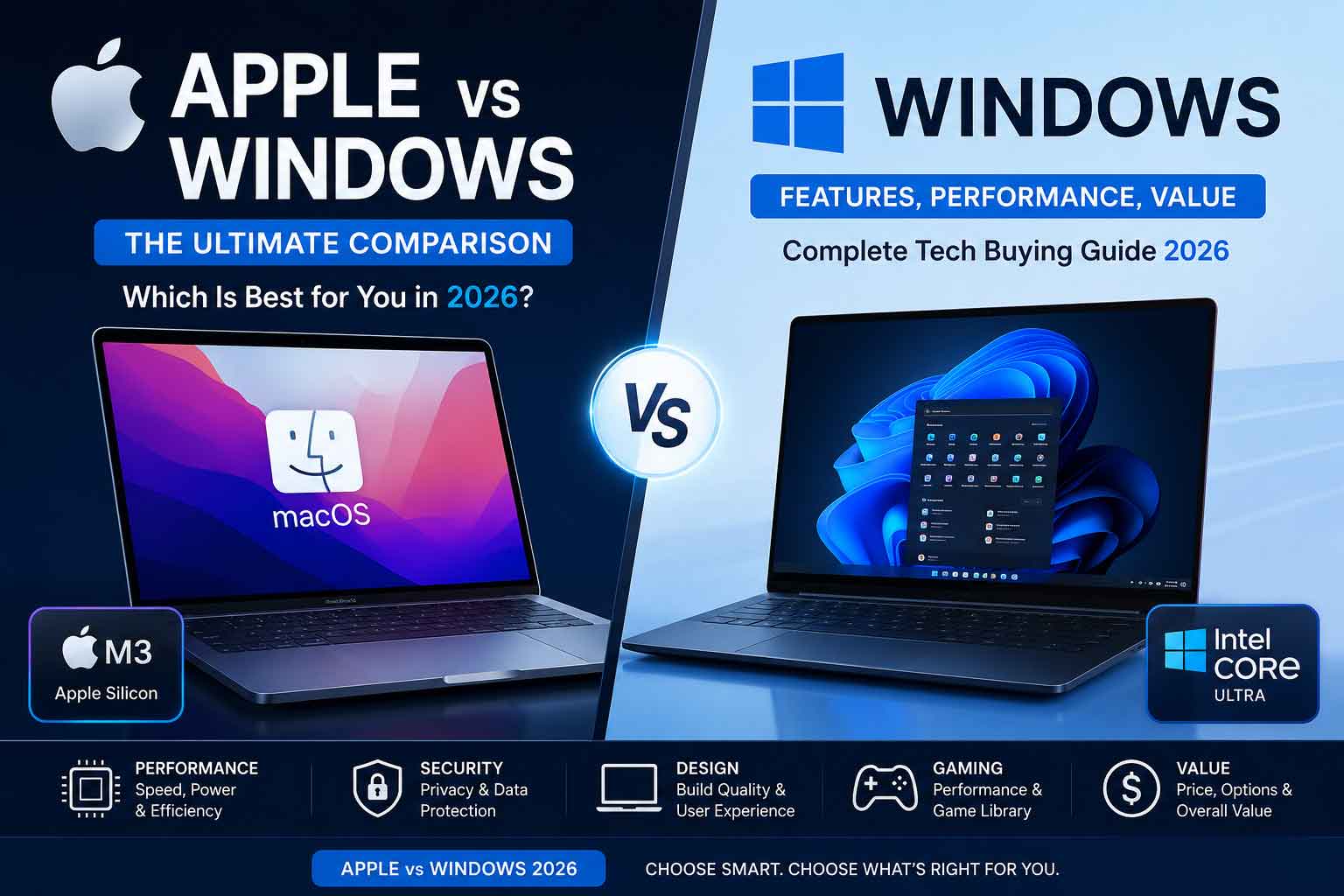
This article breaks the decision down by what actually matters: performance, battery life, price, software and development work, gaming, design and build quality, security, and long-term value. By the end, you should know not which platform is “better” in the abstract, but which one is better for you.
Performance: Two Very Different Philosophies
Apple‘s approach to performance hasn’t changed since it moved to its own silicon — it controls the chip, the operating system, and the software stack, and tunes all three together. The result is consistently excellent performance per watt. The M4 MacBook Air, for instance, posts Geekbench 6 multi-core scores in the neighborhood of 14,750 while starting at around $1,099, all without a fan.
Windows takes the opposite approach, and increasingly that’s becoming a strength rather than a weakness. Because Windows runs across chips from Intel, AMD, and now Qualcomm’s ARM-based Snapdragon X series, the ceiling for raw performance is higher. A Surface Laptop with Snapdragon X Elite starts at a similar price point to the MacBook Air but can outscore it on multi-core benchmarks. If you need maximum CPU or GPU horsepower — for 3D rendering, heavy compilation, or scientific computing — Windows hardware, especially desktop towers, still offers configurations Apple doesn’t sell at any price.
The practical difference: Apple wins on consistency and efficiency. Windows wins on ceiling and choice. A Mac will rarely surprise you with a fan spinning up or a laptop that runs hot in your bag. A high-end Windows workstation will outrun any Mac on the market if you’re willing to deal with more heat, more noise, and more power draw.
Battery Life
This is the category where Apple‘s advantage has been hardest for Windows to close, though that gap is narrowing. Apple Silicon MacBooks routinely deliver 14 to 18 hours of real-world battery life — actual web browsing and document work, not just video-loop test numbers. That kind of endurance used to be a genuine rarity on Windows laptops.
Windows has made real progress here, mainly through ARM-based Snapdragon chips and more efficient Intel and AMD silicon. Premium thin-and-light Windows laptops can now post battery figures that come close to MacBook territory — in some cases over 16 hours of mixed use. But this consistency varies a lot more than it does with Apple. Buy the wrong Windows laptop — particularly a gaming model or a budget machine with an older Intel chip — and you can still be back at the charger by lunchtime.
If all-day battery life without thinking about it is a top priority, Apple remains the safer bet. If you’re willing to research the specific model and chip, premium Windows laptops can get close.
Price and Value
Here the picture depends entirely on what you mean by “value.”
On sticker price, Windows wins decisively. You can buy a perfectly usable Windows laptop for a few hundred dollars, and the spread of available hardware means there’s a Windows machine at essentially every price point, from budget basics to premium flagships that rival anything Apple makes. Repairs and upgrades are also typically cheaper — RAM, storage, and even Wi-Fi cards can often be swapped out on Windows laptops that aren’t part of the very thinnest category.
Apple‘s argument is about total cost of ownership rather than entry price. MacBooks tend to hold their resale value far better than Windows laptops, which can offset the higher upfront cost over a three-to-five-year ownership window. For small businesses, this can make a Mac fleet cheaper to own over time even though it costs more to buy. The catch is that Macs can’t be upgraded after purchase — no added RAM, no swapped storage — so whatever configuration you buy is permanent. Overpaying for storage or memory upfront is the standard advice for anyone buying a Mac for long-term use.
If you’re budget-constrained today, Windows is the more flexible choice. If you can absorb the upfront cost and tend to keep devices for years, Apple‘s resale value narrows the gap.
Software, Coding, and Creative Work
This is the category that has changed the most in the last few years, and arguably the one where the old assumptions are most outdated.
Mac’s traditional edge with developers came from being Unix-based out of the box, which made it a natural fit for web and server-side development. That advantage has substantially eroded. Windows Subsystem for Linux (WSL) now lets developers run a genuine Linux environment alongside native Windows tools, and the cross-platform staples of modern development — VS Code, Docker, Node, Python, cloud CLIs — behave almost identically on both operating systems. For most coding work today, the choice of OS is a matter of preference and habit rather than technical necessity.
Where real differences persist:
- Creative professionals working in Final Cut Pro or Logic Pro still need a Mac — these remain Apple-exclusive.
- Windows-only enterprise software — things like SolidWorks, Microsoft Access, and many legacy line-of-business applications — still requires Windows, sometimes with no real substitute.
- General productivity and browser-based tools — Figma, Notion, web-based Photoshop, Google Workspace — run identically on either platform, making this a coin-flip category.
If your work depends on a specific piece of software, check whether it’s available (and well-supported) on your preferred platform before anything else influences the decision — this single factor overrides almost every other consideration on this list.
Gaming
This remains the most lopsided category in the entire comparison, even though it’s slowly becoming less one-sided. Windows is still overwhelmingly the dominant gaming platform — the vast majority of PC gamers on Steam are on Windows, while macOS represents a tiny fraction of that user base. The library of native Windows games dwarfs what’s available on Mac, and that’s true for everything from massive open-world titles to competitive multiplayer shooters.
Apple has been investing in closing this gap. Tools that let developers port Windows games to Mac without a complete rebuild have brought some notable titles to Apple Silicon, including ports of major releases that previously would never have come to Mac. The catch is that these games typically need Apple‘s higher-end chips — an M3 Pro or M4 Max-class machine — to run well at modern resolutions, so casual MacBook Air buyers won’t get the same experience.
If gaming is a meaningful part of why you’re buying a computer, Windows remains the clear choice, full stop. Mac gaming has improved, but it’s improved from “essentially nonexistent” to “limited,” not to “competitive.”
Design, Build Quality, and Ecosystem
Apple‘s industrial design remains a genuine differentiator. The aluminum unibody construction, the hinges, the trackpad feel, and the overall fit and finish set a standard that most Windows laptops are still chasing, especially at lower price points where Windows hardware leans more heavily on plastic. That said, the premium end of the Windows laptop market has narrowed this gap substantially — high-end machines from major manufacturers now feature aluminum builds and design language that holds up well next to a MacBook.
Where Apple pulls further ahead is ecosystem integration. If you own an iPhone, iPad, or AirPods, a Mac plugs into that world in ways no Windows machine can fully replicate — features that let you control multiple Apple devices with one keyboard and mouse, instant file sharing between devices, and messaging and calling that flow seamlessly from phone to laptop. This is less about any single feature and more about the cumulative effect of everything working together without configuration. Windows has nothing exactly equivalent, largely because no single company controls phones, laptops, and accessories the way Apple does.
If you’re already inside the Apple ecosystem with an iPhone, the case for a Mac gets considerably stronger independent of any spec comparison.
Security
Both platforms are far more secure than their reputations from a decade ago, but they get there differently. Apple‘s advantage comes from tight vertical integration — controlling the hardware and software together limits the attack surface, and update adoption tends to be fast and consistent since Apple manages the whole device.
Windows has closed much of its historical security gap through built-in tools and more aggressive patching, but its much larger install base makes it a bigger target for malware and ransomware, and the sheer diversity of Windows hardware makes uniform security harder to guarantee. For most home users, either platform is safe with reasonable precautions. For enterprise IT departments, Windows‘ centralized management tools (Active Directory, SCCM, and similar) are usually considered more mature for managing large, mixed fleets of devices at scale, even if individual device security leans slightly in Apple‘s favor.
So, Which One Should You Buy?
There’s no universal winner in 2026 — there wasn’t one before, either, but the gap in where each platform wins has gotten more specific.
Choose Apple if you:
- Already own an iPhone or iPad and want them to work together seamlessly
- Prioritize battery life and a fanless, quiet computing experience
- Work in Final Cut Pro, Logic Pro, or other Apple-exclusive creative software
- Want a premium, durable build and don’t plan to upgrade components later
- Tend to keep devices for years and want to maximize resale value
Choose Windows if you:
- Play AAA or competitive multiplayer games
- Need software that’s Windows-only — SolidWorks, Access, specific enterprise tools
- Want maximum hardware choice and the ability to upgrade RAM or storage later
- Are working with a tighter budget and want more computer for less money
- Work in an organization built around Windows-based enterprise IT management
It’s genuinely a toss-up if you:
- Do general knowledge work, browser-based design (Figma, web tools), or light coding in cross-platform languages
- Don’t have a strong existing investment in either ecosystem
For that last group, the honest advice is to pick whichever ecosystem you already own pieces of, or whichever interface you simply prefer using day to day — because on a pure capability basis, the two platforms have never been closer.
FAQS
1. Is Apple or Windows better in 2026? Neither is universally better — it depends on your use case. Apple wins on battery life, build quality, and ecosystem integration; Windows wins on gaming, hardware choice, upgradeability, and price.
2. Is Mac or Windows better for gaming? Windows, by a wide margin — far larger library and better support for AAA/competitive titles.
3. Do Macs really have better battery life? Generally yes, typically 14–18 hours real-world. Top-tier Windows ARM laptops are closing the gap but consistency varies more.
4. Is a MacBook worth the higher price? Depends on hold time — Macs often have lower total cost of ownership over 3–5 years due to resale value, even though Windows is cheaper upfront.
5. Can you upgrade RAM or storage on a MacBook? No, it’s soldered at purchase. Most Windows laptops (non-ultraportables) allow later upgrades.
6. Is Windows still better for software compatibility? Yes — enterprise tools and Windows-exclusive software still favor it, though general productivity apps are now a tie.
7. Is macOS or Windows better for coding? Largely a tie now thanks to WSL; macOS still leads for iOS app development specifically.
8. Which is more secure? Both are strong; Apple‘s integration narrows its attack surface, Windows‘ larger user base makes it a bigger malware target.
9. Is it cheaper to buy Windows or Mac? Windows wins on upfront price and budget options; Mac can close the gap over time via resale value.
10. Should I buy Mac if I already own an iPhone? Generally yes — ecosystem features only work fully between Apple devices.